CAPTURE
Capture from your phone
Snap a receipt with your phone camera. AI extracts the details, so you can spend less time typing them in.
Capture receipts, extract the details, and forward them securely without the filing cabinet.
Your phone. Your team. Your company inbox.
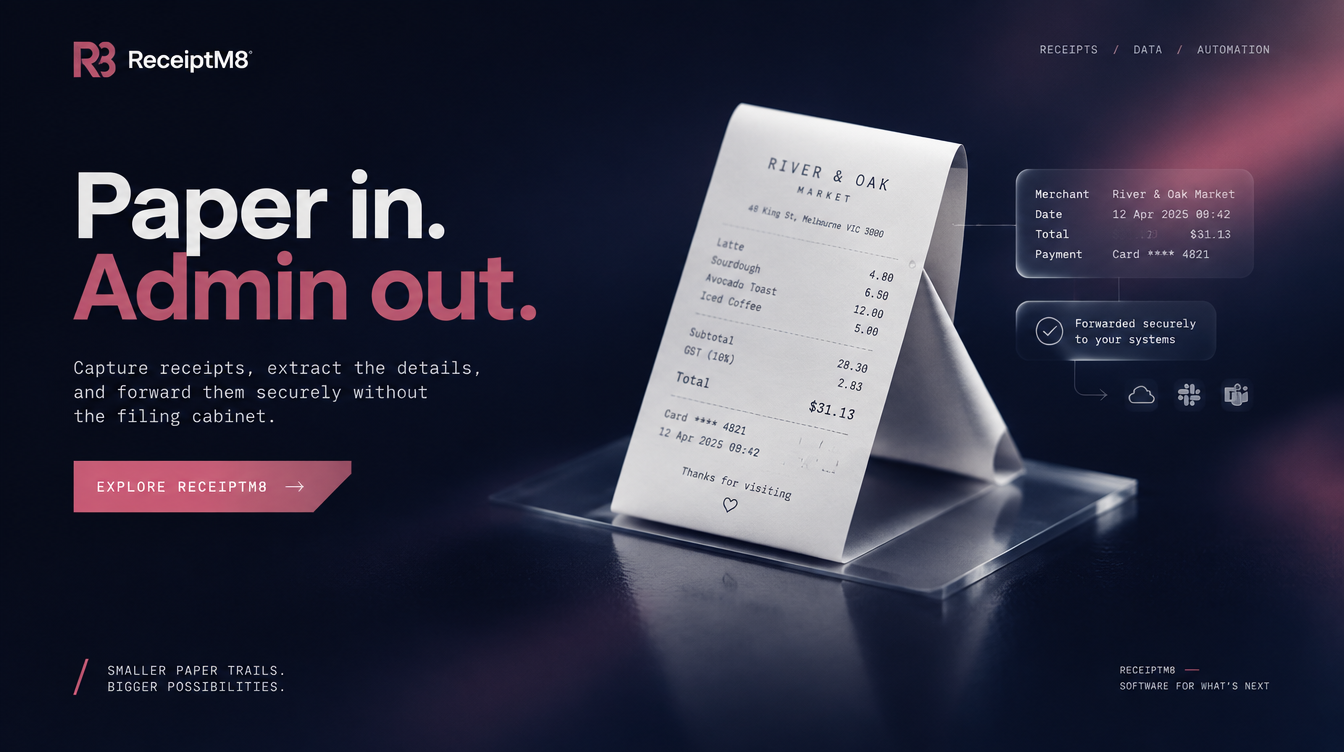
01 / From paper to processed
From the receipt in your hand to the inbox your business already uses.
Take a photo of your receipt with your phone.
Let AI pick out the receipt details automatically.
Send the processed receipt straight to your company email.
02 / Built around real work
Snap a receipt with your phone camera. AI extracts the details, so you can spend less time typing them in.
Automatically forward processed receipts to your nominated company email. Keep the paperwork moving.
Explore spending patterns and generate reports from your receipt activity.
Manage team members and follow their receipt submissions from the web portal.
The mobile app supports working without a network connection, for the moments you are out of coverage.
Receipts are processed and forwarded directly to your system, rather than stored in ReceiptM8’s cloud.

03 / Keep it moving
ReceiptM8 connects capture on your phone with receipt management in the web portal. Keep submissions, reporting, and your team’s activity in one workflow.
Create your account on ReceiptM8 (opens in a new tab)Already using ReceiptM8? Sign in04 / Good to know
Create your company account, choose the email address that should receive your receipts, and complete the registration details on ReceiptM8.
Processed receipts are automatically forwarded to your nominated company email address. You choose the destination email during registration.
Yes. ReceiptM8 includes team management so you can manage members and track their receipt submissions.
ReceiptM8’s mobile app supports offline use. A connection is needed to deliver receipts to your nominated inbox.
ReceiptM8 is in early access. Current plan information and availability are handled on the ReceiptM8 website.
Smaller paper trails. Bigger possibilities.
Set up your company on ReceiptM8.
← Back to TwoByte Studios