Products & barcodes
Organise products, categories, prices and reorder levels. Generate barcodes for scanning from a phone.
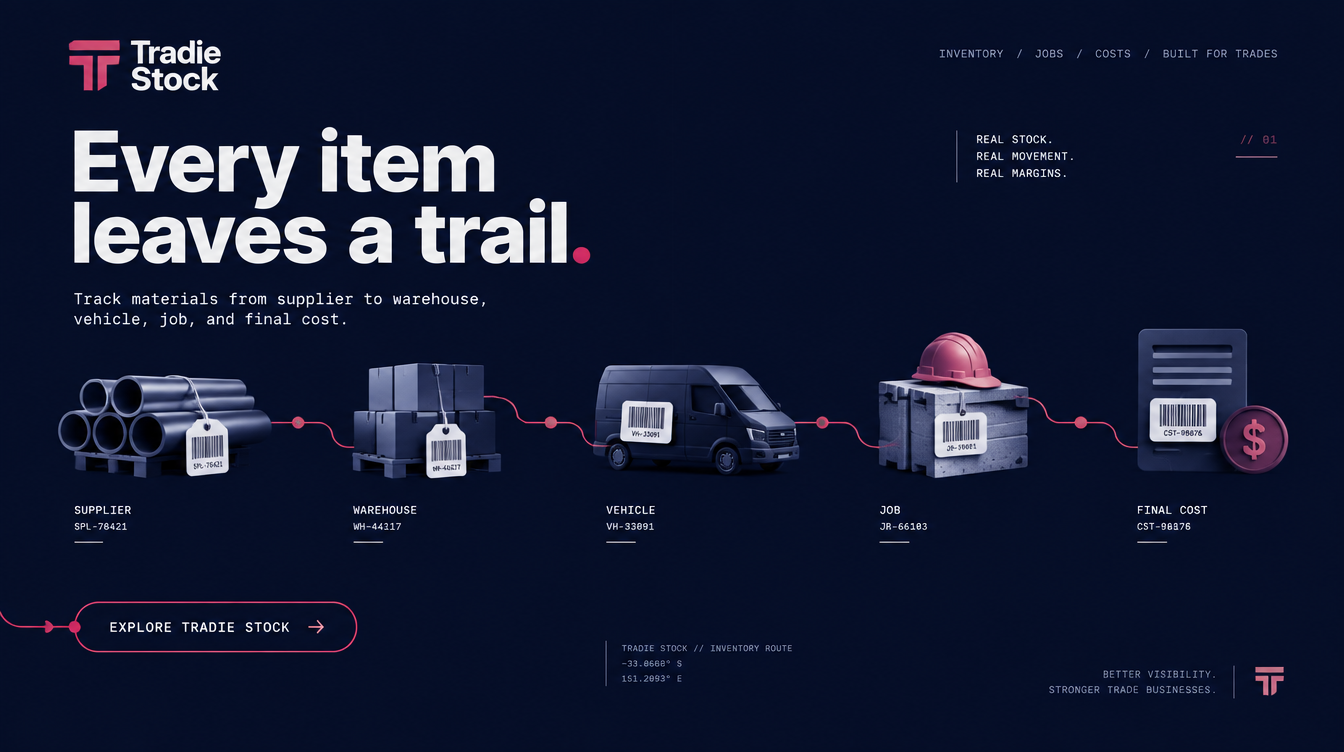
Tradie Stock connects suppliers, warehouses, vehicles and jobs, so you can follow every material and its cost.
Choose a stop. Swipe to see the full route →
Create a branded purchase order and choose where the materials need to go: warehouse, vehicle or directly to a job.
Inside Tradie Stock
A clear overview for the office. Practical stock tools for the people doing the work.
Stock levels, shortages, open purchase orders and recent movements in one overview.
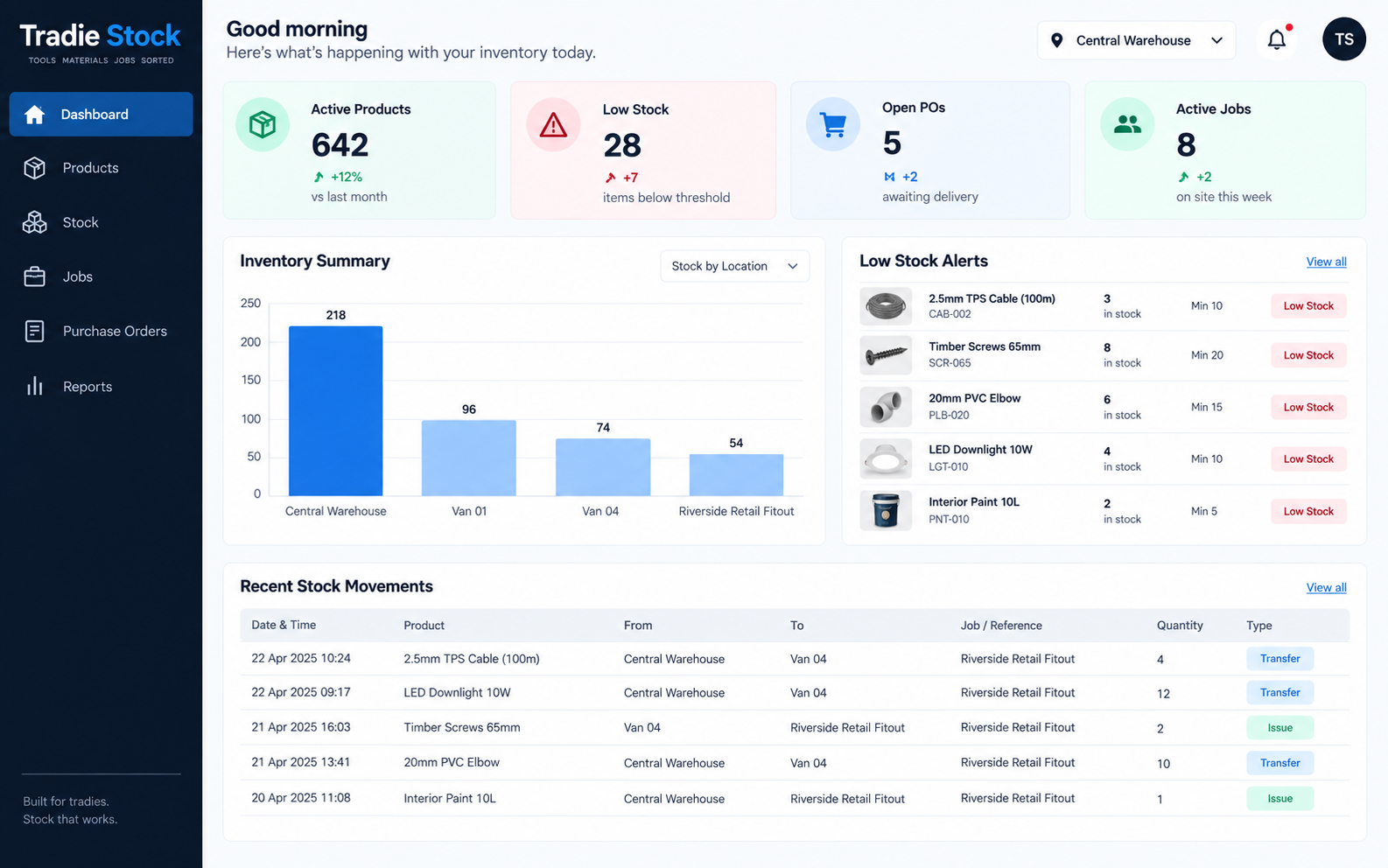
Replace scattered notes and estimated van stock with a record your whole team can follow.
Organise products, categories, prices and reorder levels. Generate barcodes for scanning from a phone.
See materials across locations and record transfers, usage and returns as they happen.
Reserve available materials for a job, identify shortages and follow the outstanding stock request.
Create branded orders with a delivery destination and email them to the supplier.
Use low-stock emails and staff request updates to keep replenishment and collection moving.
Follow who moved stock, when and where. Record reasons for adjustments and returns.
Account for broken, missing and wasted items so stock losses stay visible.
Review the materials used on a job and their cost, including stock supplied from different locations.
ServiceM8 can bring jobs into Tradie Stock. Other compatible platforms can be assessed against their API and access requirements.
Bring the relevant job and site details into Tradie Stock.
Allocate stock, order shortages and record materials as they are used.
Configured integrations can return a final material report to the originating system.
Integration availability and setup are confirmed during your demo. Not every job platform supports the same features.
No. Tradie Stock supports barcode scanning from a phone, so staff can record stock movements without dedicated scanning hardware.
Yes. The workflow covers receiving materials into a warehouse, a vehicle or directly against a job.
Allocate the available stock, keep the shortage visible and back-order the remaining materials through a supplier purchase order.
No. Tradie Stock handles the material journey alongside your job system. ServiceM8 is an existing integration example; other connections depend on the platform’s API, access and configuration.
Products, suppliers, warehouses, vehicles, user roles and opening quantities need to be loaded. Your team also needs a simple, consistent process for recording stock movements.
Book a guided demo to walk through the workflow and discuss your business, setup and pricing. Demo access is arranged for the session.
See it working
We’ll walk through a product from supplier to warehouse, van and job, then review its movement history and material cost.
Guided access keeps demo data protected. No account is created by this form.